business template · Square (IG post / cover art)
Hiring Post, every word spelled right
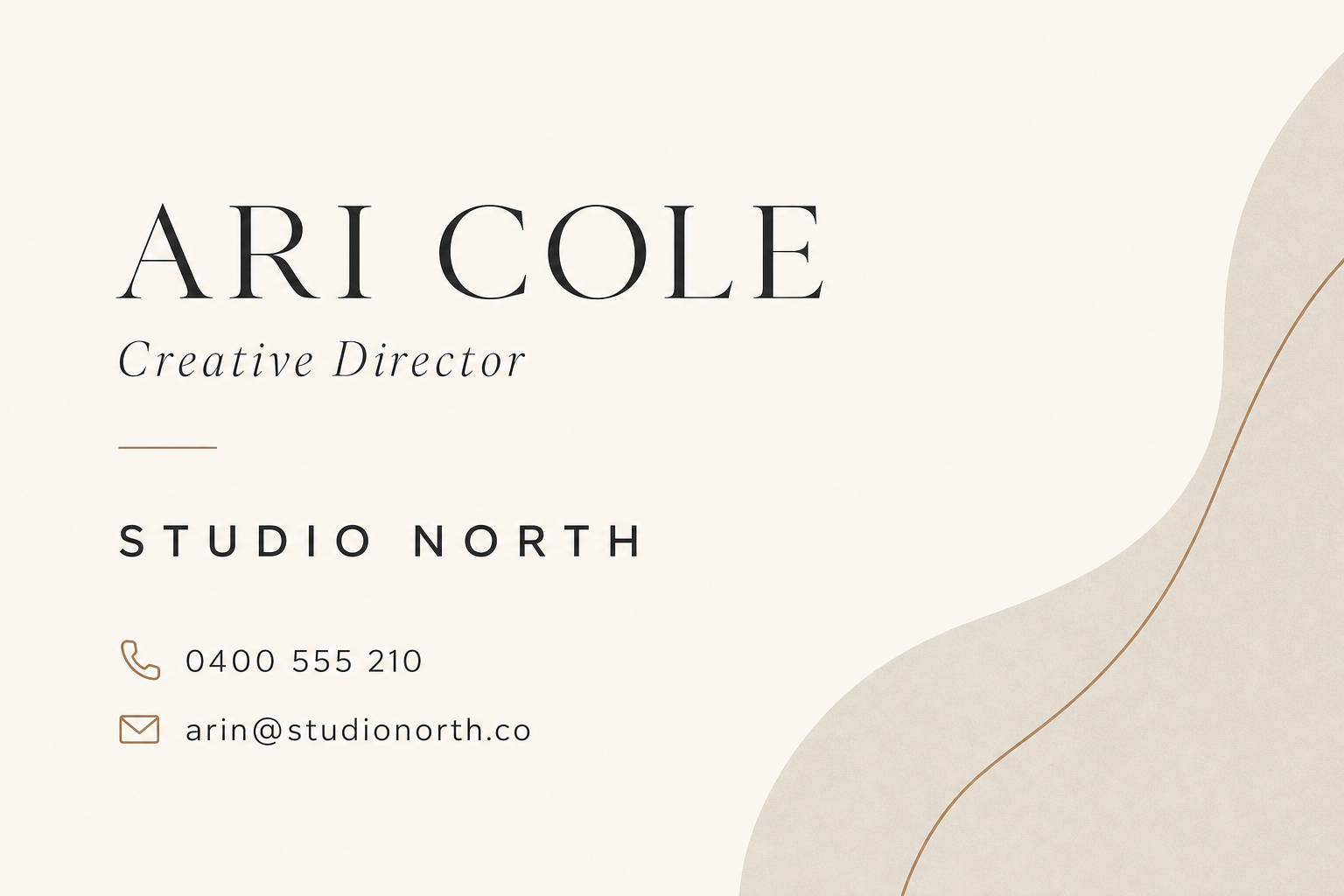
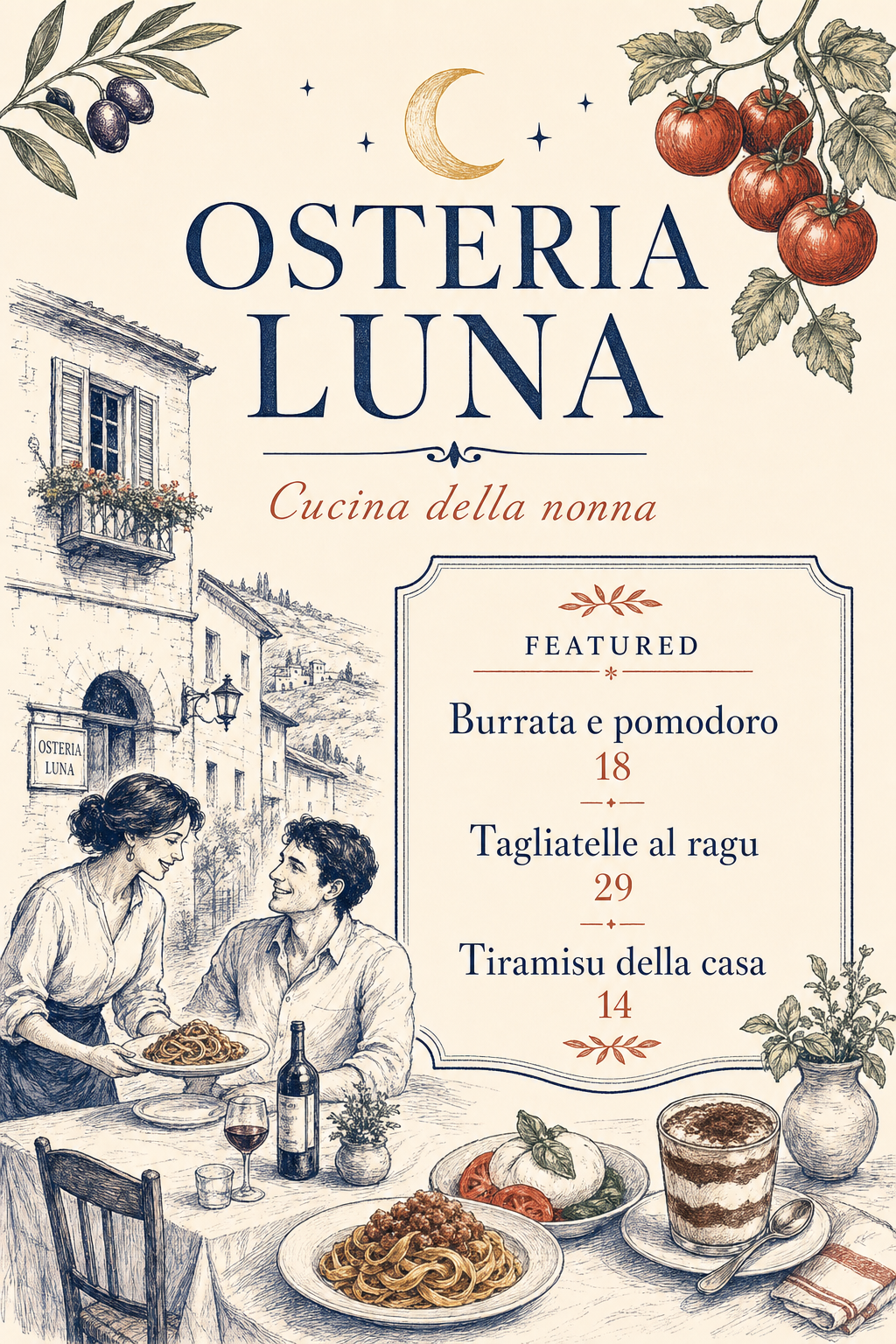
A hiring announcement with the company, the role, one pitch line and how to apply, rendered exactly. Made for feeds and notice boards.
Fields start empty. Nothing is pre-filled.
 Made with this template
What you type in
- Company · required, up to 40 characters
- Role · required, up to 40 characters
- Pitch line · optional, up to 60 characters
- How to apply · optional, up to 48 characters
- Style · optional, up to 60 characters
What people make with it
- Social hiring posts
- Shop window hiring signs
- Internal job boards
Tips
- One pitch line about why someone would want the job
- Put the application email or link in the apply field
How it works
Fill in the fields
Company, Role, plus optional pitch line, how to apply, style. They start empty and render exactly as typed.
Pick a size
Square (IG post / cover art) by default. Cards, posters, square posts and landscape banners are all one tap.
Generate and download
About half a minute. Standard quality is 3 credits, print quality 8. The PNG lands in your library; print it or share it.
Questions, answered
Will the text really be spelled correctly?+
Yes. Each field is quoted into the design instructions separately with an exact-text rule, and the engine (GPT Image 2.5) is the one that renders words reliably. Check the result before printing, as you would any proof.
What sizes can I make?+
Card · portrait (A6/A5); Poster (A4/A3); Square (IG post / cover art); Landscape (banner / postcard). The default for Hiring Post is square (ig post / cover art).
What does it cost?+
A standard-quality design is 3 credits and a print-quality one is 8. The built-in copywriter, if you want help with the words, is 5 credits and refunds on failure.
Can I use my own photo or logo?+
Attach it as a reference and describe where it sits. Fields still render as exact text.
More templates


We're hiring, loud and clear
Type the details, pick a size, download the design.
Get started