UGC-style ad · 9:16 · ~12s
Tutorial ads, generated with AI
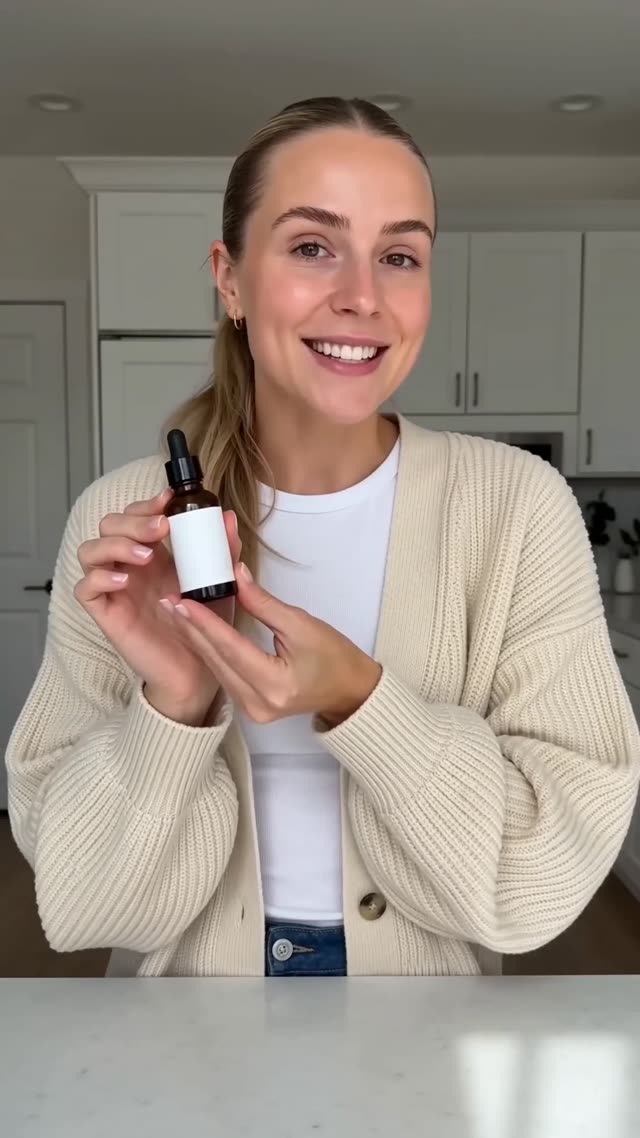
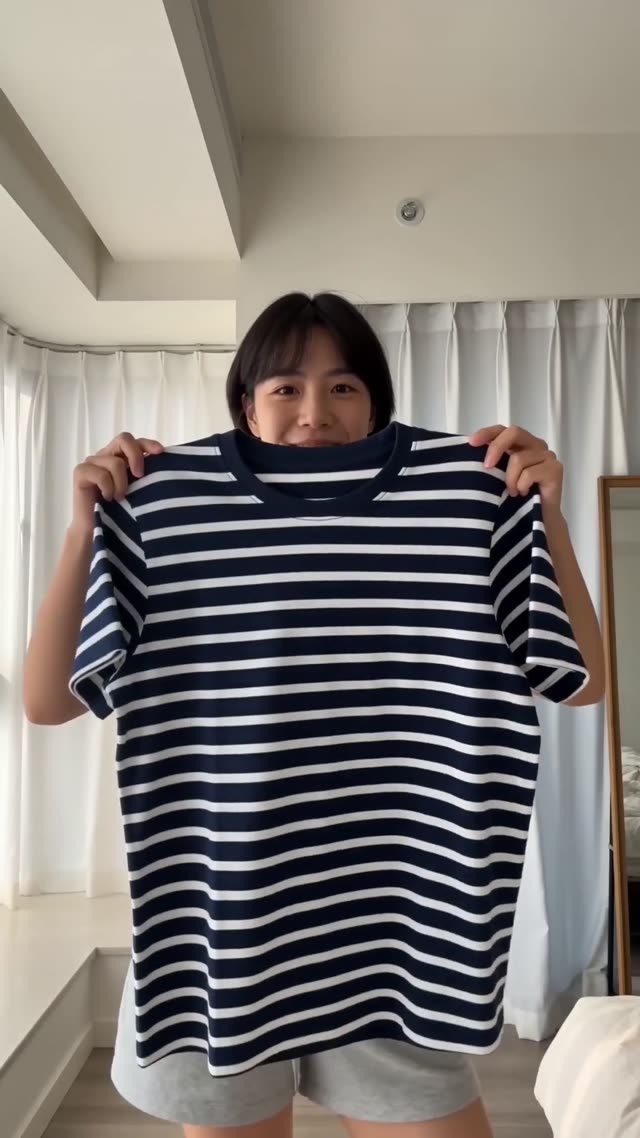
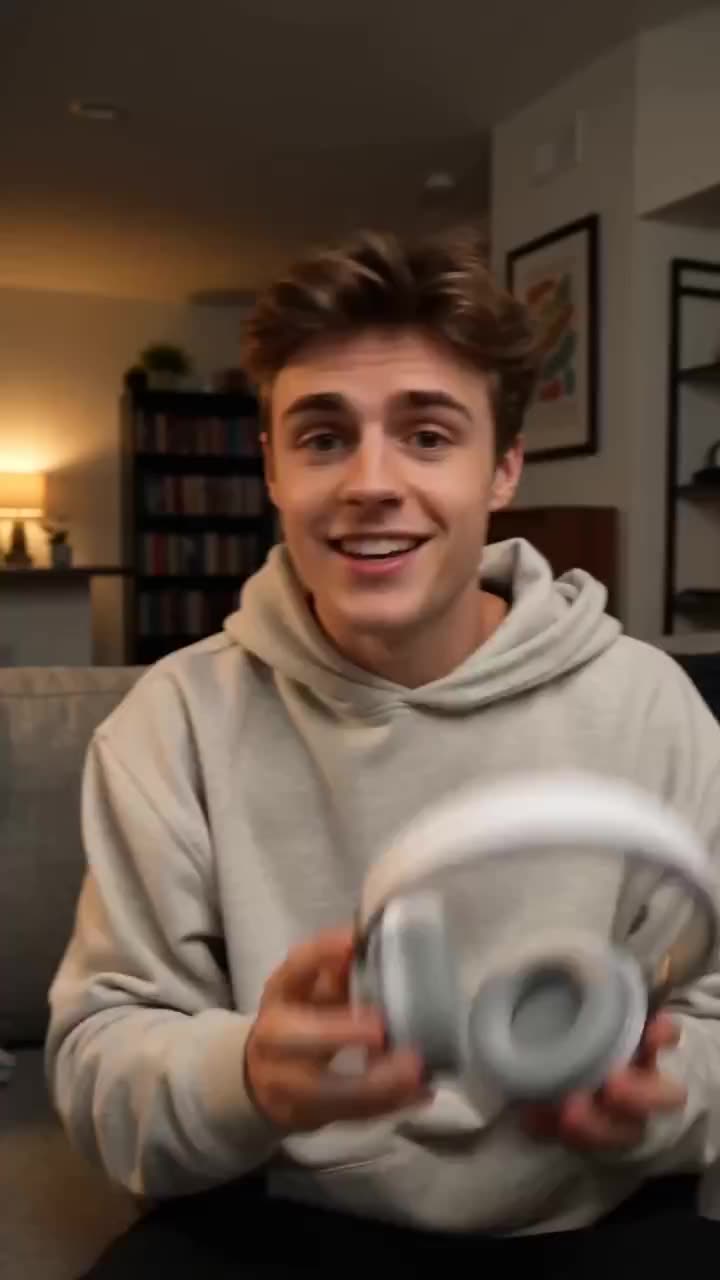
Show how it works, step by step. Tutorial is a UGC-style format: an AI creator presents your product the way real customers talk about the things they love. Pick a presenter (or create your own AI character once and reuse them in every ad), attach your product shots, and the platform generates the performance, voice and camera work in one pass.
No filming required.
Best for
- Products that need a how-to: tools, apps, kitchen gear
- Reducing returns by showing correct use
What to give it
- The product from the user's point of view
- Three plain steps in the dialogue
Watch for: Twelve seconds fits three steps. Four or more need a second render or Story Studio.
Specs and cost
- Aspect
- 9:16 vertical
- Length
- 12 seconds by default
- Structure
- 3 shots in one render
- Engine
- Seedance 2.0 with native audio
- Inputs
- Product photos and a presenter
- Cost
- 48 credits at 720p, 120 at 1080p
Prices are the current credit table; see every price. New accounts get 3 free images and 1 free video to try the studios first.
How it works
Add product + presenter
Upload product shots, then pick an AI creator or cast your own saved character as the presenter.
Generate
The creator performs the format's script with your product in hand - face and product stay consistent shot to shot.
Post it
Download in full quality or add captions and music in Cinema Studio, then post everywhere.
Questions, answered
Do I need to film anything to make a Tutorial ad?+
No. Clear product photos (or your product page URL) are all the platform needs - the video, motion and sound are generated.
Who is the person in the ad?+
An AI creator. Pick from ready-made presenters or create your own AI character once and cast them in every ad - their face stays consistent across generations.
What size and length is a Tutorial ad?+
Tutorial generates vertical 9:16 video around 12 seconds by default - made for TikTok, Reels and Shorts. You can change the aspect and duration before generating.
Can I edit the result?+
Yes. Every generation lands in your Library, and Cinema Studio lets you trim, stitch takes, add captions in six styles, drop in music or a voiceover, and export in full quality.
How much does it cost?+
Generation is priced in credits by resolution and length - a short 720p ad starts at 25 credits.
What does a Tutorial ad cost in dollars?+
48 credits at 720p and 120 at 1080p for the default 12-second length. On the Basic plan a credit is about 5 cents, so roughly $2.40 and $6.00. Failed renders refund automatically.
Can I change the words?+
Yes. The format writes a three-shot structure with placeholder dialogue; edit any line before you generate. Quoted lines are spoken by the presenter or narrator.
Which engine renders it, and why?+
Seedance 2.0. It renders product names, prices and URLs legibly on screen, which ad formats depend on, and it composes native voice and sound in the same pass.
Can I make it longer than the default?+
Change the duration before generating (5, 8, 10 or 15 seconds), or render two formats with the same product and presenter and join them in Cinema Studio with a short crossfade.
More formats to try
Your first Tutorial ad is minutes away
From product photos to a finished ad in minutes.
Get started